# Neviditelný Item Frame

Určitě si už u někoho neviditelný Item Frame viděl, ale jak to funguje, a jak si udělat vlastní?
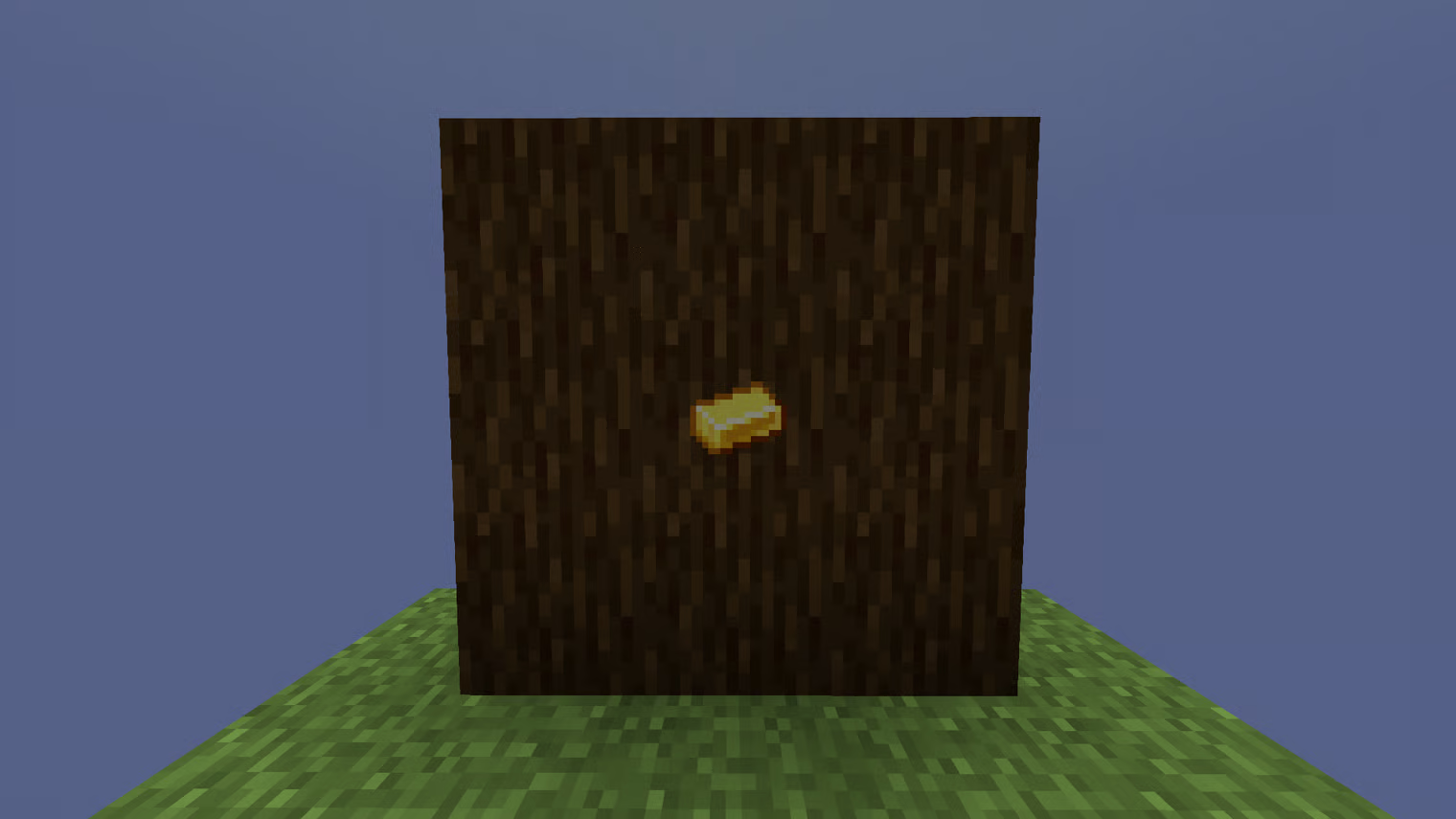
<figure><img src="/files/hX9jy0tjVC7ICNEyIyIt" alt=""><figcaption><p>Neviditelný Item Frame</p></figcaption></figure>

Vlastní si uděláš tak, že se podíváš na klasický Item Frame a použiješ příkaz **`/itf toggle visibility`**, poté se Item Frame stane neviditelným! Pokud ho chceš vrátit zpět na normální, tak buď uděláš to stejné, nebo ho prostě vytěžíš a položíš znovu. Pokud děláš více Item Framů, tak můžeš použít příkaz **`/itf togglemode visibility`**, a pak na ně jen klikat. Pro vypnutí použiješ stejný příkaz.

Pokud ti něco nefunguje nebo máš dotaz, tak se neváhej ozvat někomu z našeho admin týmu, určitě ti rádi pomůžeme! ❤


---

# Agent Instructions: Querying This Documentation

If you need additional information that is not directly available in this page, you can query the documentation dynamically by asking a question.

Perform an HTTP GET request on the current page URL with the `ask` query parameter:

```
GET https://wiki.halmine.cz/obecne/neviditelny-item-frame.md?ask=<question>
```

The question should be specific, self-contained, and written in natural language.
The response will contain a direct answer to the question and relevant excerpts and sources from the documentation.

Use this mechanism when the answer is not explicitly present in the current page, you need clarification or additional context, or you want to retrieve related documentation sections.
