# Questy

Je to tak, aby se hráči nenudili tak tu máme questy, které slouží spíš jako motivace a nebo menší přivýdělek. Zde najdeš vše ohledně questů.

## Quest menu

Do menu se dostaneš pomocí příkazu **`/quests`**, zkráceně **`/q`**. Zde nalezneš všechny kategorie questů.
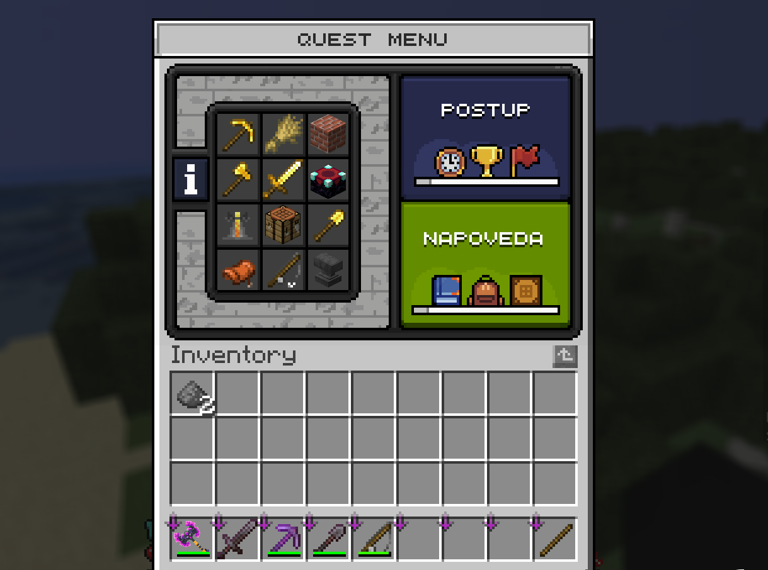
<figure><img src="/files/4iTSLOwmpk4Mgap3y5IT" alt=""><figcaption><p>Quest menu</p></figcaption></figure>

Po rozkliknutí vybrané kategorie vidíš seznam questů, které můžeš plnit. Aktivuješ si ho pomocí kliknutí na něj, časový limit na splnění nemáš. Když nějaký splníš, tak se ti odemkne další.
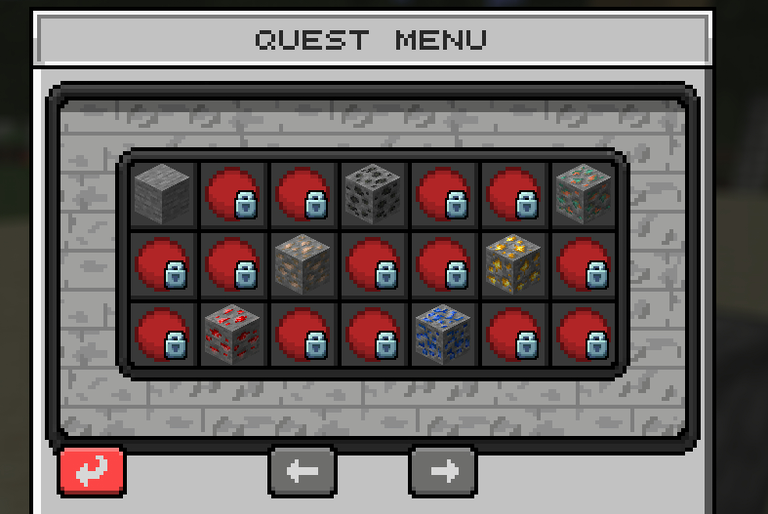
<figure><img src="/files/uoOpg1PweNLr6MHcnEEB" alt=""><figcaption><p>Questy v kategorii mining</p></figcaption></figure>

## Seznam aktivních questů

Pro vypsání aktivních questů použij /quests started, zkráceně /q started. Najetím na daný quest vidíš i postup, který si udělal.
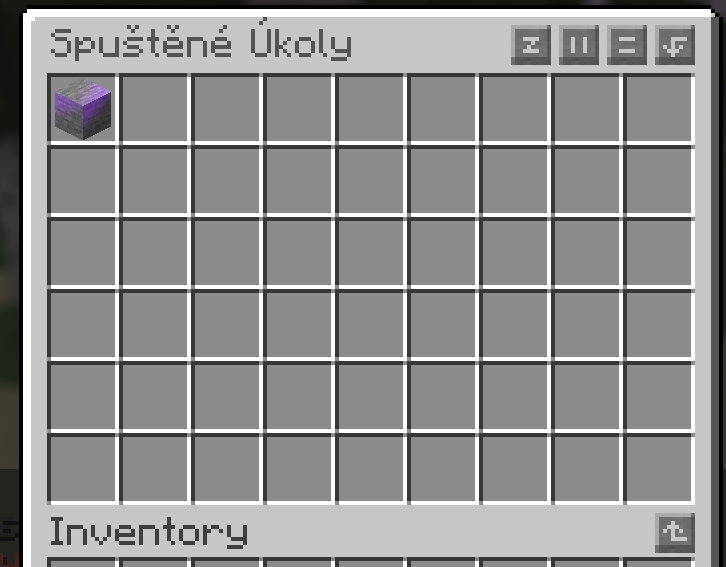
<figure><img src="/files/OEIg4EkJcYzdeQ49jcDl" alt=""><figcaption><p>Seznam aktivních questů</p></figcaption></figure>

To je vše ke questům, pokud máš nějaký problém nebo dotaz tak se určitě neboj napsat někomu z našeho admin týmu, rádi ti pomůžeme! ❤


---

# Agent Instructions: Querying This Documentation

If you need additional information that is not directly available in this page, you can query the documentation dynamically by asking a question.

Perform an HTTP GET request on the current page URL with the `ask` query parameter:

```
GET https://wiki.halmine.cz/magma/questy.md?ask=<question>
```

The question should be specific, self-contained, and written in natural language.
The response will contain a direct answer to the question and relevant excerpts and sources from the documentation.

Use this mechanism when the answer is not explicitly present in the current page, you need clarification or additional context, or you want to retrieve related documentation sections.
